Can You Play Steam Games on iPad Compatibility Guide
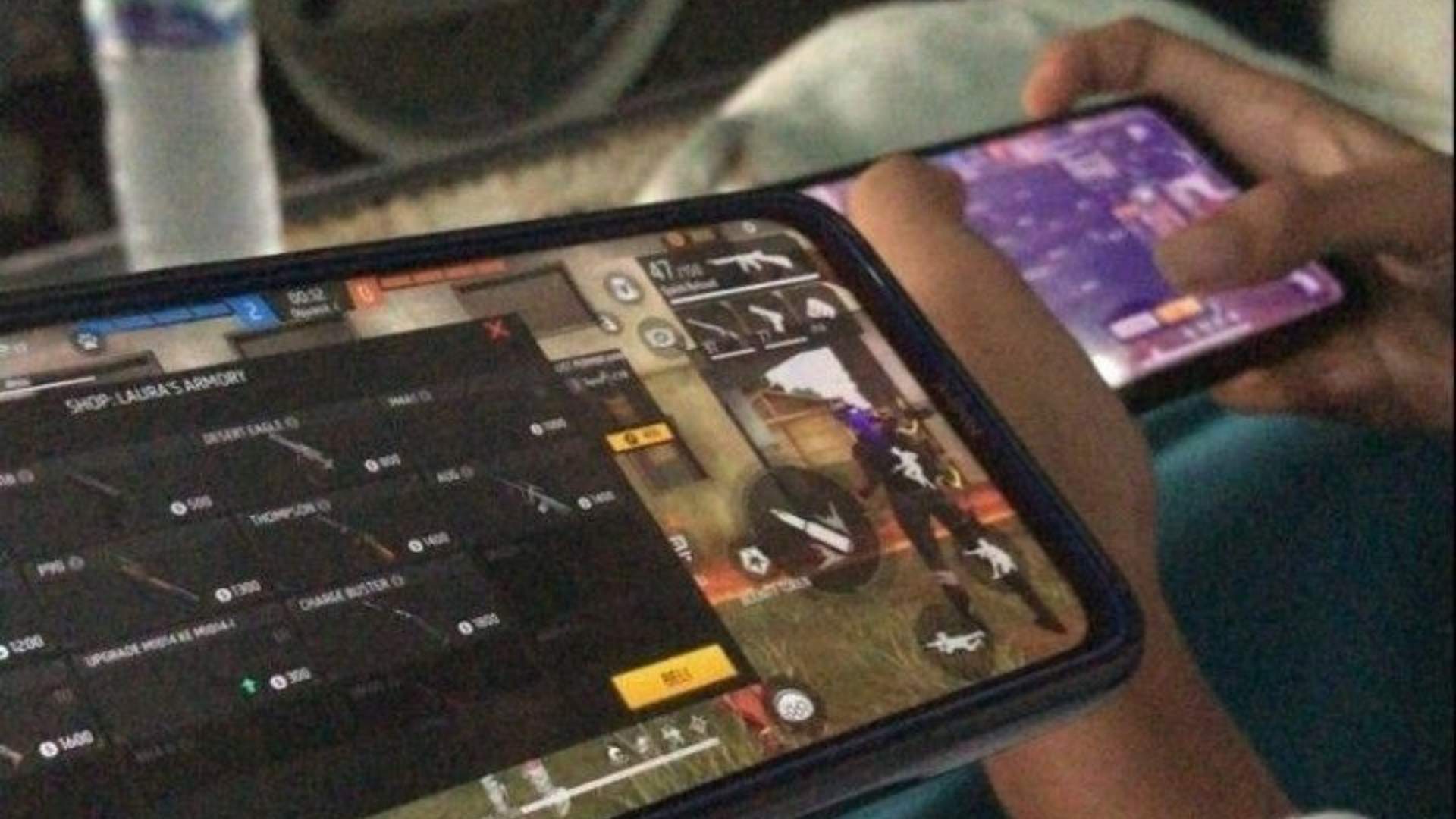
The desire to play desktop-grade PC games on a portable, high-quality screen has led many gamers to eye the iPad as a potential gaming device. While Valve's massive digital storefront offers thousands of titles, the underlying platform architecture creates distinct barriers for mobile users. Understanding how these ecosystems interact is essential for anyone looking to bridge the gap between computer hardware and iPadOS.
The Reality of Native Compatibility
To put it simply, you cannot natively download or install Steam games directly onto an iPad. The software packages hosted on Steam are built specifically for desktop architectures running Windows, macOS, or Linux. Because Apple tablets utilize mobile operating systems and distinct chip architectures, standard desktop binaries are entirely incompatible with iPadOS.
Even though newer iPad models feature incredibly powerful processors capable of running complex computing tasks, platform guidelines prevent direct execution. Apple maintains strict control over application distribution, meaning any software outside the official App Store remains unavailable for direct installation. Therefore, looking for a direct installer will only result in disappointment for eager tablet owners.
Streaming as the Primary Solution
The most reliable method to experience your desktop library on a tablet is through local network streaming. Valve offers a dedicated solution called Steam Link, which mirrors your desktop screen and forwards your tablet touch inputs back to the computer. This method ensures your powerful gaming rig handles all the heavy rendering while your tablet acts as a portable display.
To use this feature effectively, your host computer must remain powered on and actively running the desktop application. Both devices need to be connected to a robust, high-speed local network to avoid noticeable input delay or visual degradation. Utilizing a 5GHz wireless band or a wired network connection for the computer is highly recommended for stable performance.
Alternative Remote Access Methods
Beyond Valve's proprietary software, multiple third-party solutions exist to help players access their remote desktops. Applications like Moonlight and custom game-focused remote tools provide alternative streaming pipelines that often offer advanced optimization metrics. These applications allow you to customize stream bitrates, tweak target frame rates, and map specific virtual inputs to match your personal preferences.
Cloud gaming services also provide a valuable route for those who do not own a high-end desktop computer at home. By utilizing remote servers to process the software, you can experience demanding desktop adventures over a standard internet connection without hardware limitations. This shifts the computational burden away from your household machinery entirely onto specialized external server farms.
Optimizing the Mobile Control Layout
Playing complex desktop titles on a touchscreen layout can frequently prove awkward without the correct hardware accessories. While virtual on-screen gamepads can suffice for slower strategy titles, fast-paced action adventures generally require a dedicated physical input device. Fortunately, modern tablet software natively supports a wide variety of popular console gamepads via standard wireless connections.
Pairing a compatible Xbox or PlayStation controller through your system settings completely transforms the mobile experience into something resembling a portable console. Many streaming applications will automatically recognize these connected peripherals and map the inputs perfectly to match your active game session. Investing in a solid tablet stand or a clip-on grip can further enhance your comfort during extended play sessions.